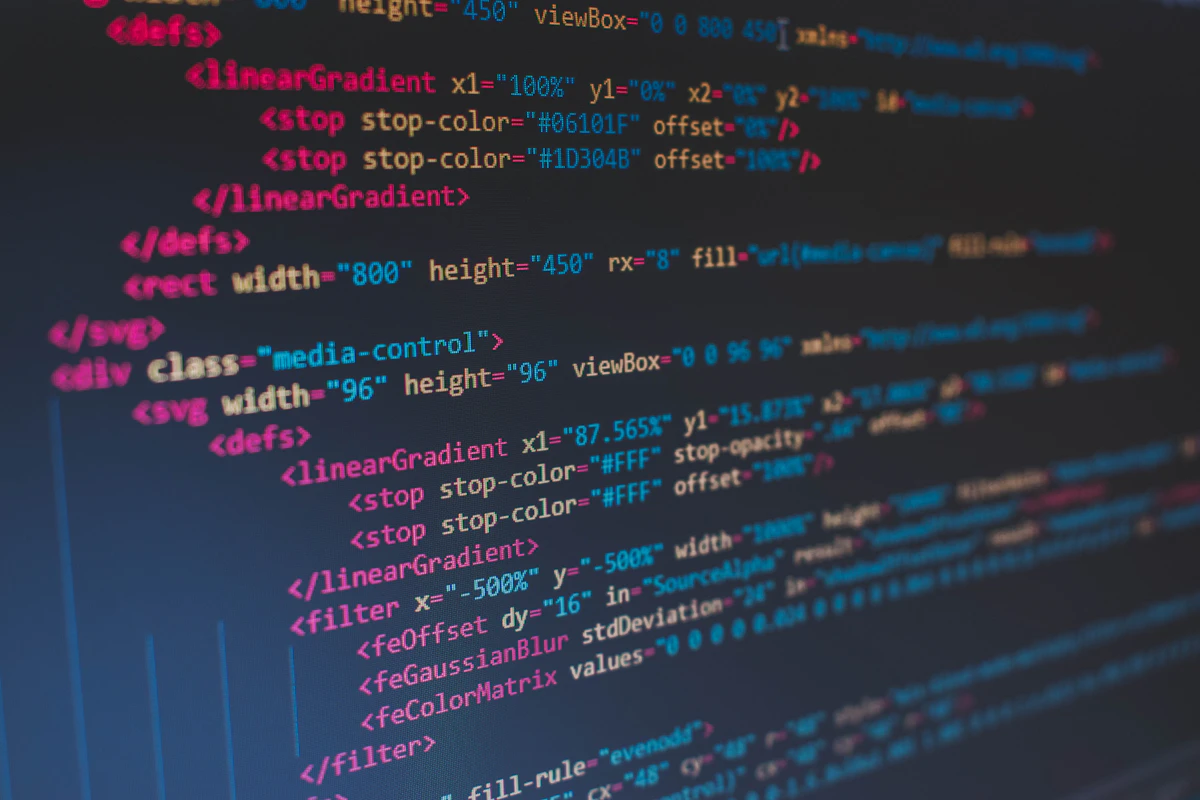
Whether you are following a high-speed coding tutorial on YouTube or analyzing a complex code snippet from a technical blog image, the need to transfer visual code into your editor is a frequent bottleneck. In the past, this meant freezing the video and tediously retyping every line, often introducing syntax errors. Today, AI vision technology has transformed this workflow. With a single screenshot, you can extract hundreds of lines of code accurately in milliseconds.
Traditional OCR vs. Next-Gen AI Vision Models
While traditional Optical Character Recognition (OCR) simply reads text as individual characters, modern AI vision models understand the contextual and grammatical structure of programming languages. This is a fundamental shift in how visual data is processed.
-
Intelligent Contextual Recovery: Even if a character is blurred in a low-res video frame, the AI analyzes the surrounding logic to restore the correct syntax.
-
Structural Preservation: For indentation-sensitive languages like Python, AI ensures that the logical hierarchy remains perfectly intact during extraction.
-
Automated Refactoring: Upon request, the AI can strip unwanted comments or refactor visual code into modern frameworks like React or Vue on the fly.
"Converting images to code is no longer a simple copy-paste task; it is an intelligent re-engineering process that translates visual intent into functional logic."
Top AI Tools for Screenshot-to-Code Workflows
Industry professionals rely on a handful of high-performance tools. We recommend exploring the official platforms of these providers for the latest features.
1. ChatGPT Plus (GPT-4o Vision)
OpenAI's GPT-4o model sets the gold standard for visual recognition. By uploading a screenshot and prompting "Extract the code from this image," you receive a clean, highlighted markdown block. It excels in handling diverse IDE themes and complex syntax.

2. Claude 3.5 Sonnet (Anthropic)
Anthropic's Claude 3.5 is highly praised for its 'Artifacts' feature. It doesn't just extract text; it can interpret a UI mockup image and generate a fully functional React component with styling, allowing you to preview the result instantly in the side panel.
3. Blackbox AI: Integrated Dev Workflow
Blackbox AI offers a specialized desktop tool that allows you to drag over any area of your screen and copy the code directly to your clipboard. This eliminates the need for manual file saving and uploading, making it ideal for rapid-fire development.
Advanced Prompting Strategies for 100% Accuracy
The quality of the output depends heavily on the constraints you provide. Use these professional prompting techniques to minimize errors.
-
1
Define the Syntax: "Extract the code from this image specifically in TypeScript. Ensure all type definitions are captured accurately."
-
2
Strict Formatting: "Maintain the original indentation using 2 spaces and wrap the output in a markdown code block for easy copying."
-
3
Contextual Additions: "Include necessary import statements and npm installation commands required to run this snippet."
Real-World Implementation Scenarios
How developers are using this technology to save hours of manual labor:
Mastering Video Tutorials
Never lag behind a fast-talking instructor again. Capture the core logic from a video frame and test it in your local environment immediately.
Legacy UI Modernization
Take a screenshot of an old web form or dashboard and ask the AI to generate a modern Tailwind CSS or Material UI equivalent.
Technical Documentation & Whiteboards
Convert whiteboard architecture diagrams or non-copyable PDF tables into structured JSON or configuration files.

Security, Ethics, and Compliance
With great power comes great responsibility. When using public AI services, you must adhere to corporate security protocols and intellectual property laws.
- PII & Secret Masking: Never upload screenshots containing API keys, database credentials, or Personally Identifiable Information (PII).
- Validation Requirement: AI-generated code may contain logical flaws. Always subject extracted snippets to Static Analysis Security Testing (SAST).
- Copyright Awareness: Be mindful of the license (MIT, Apache, etc.) associated with the source material you are capturing.
Frequently Asked Questions (FAQ)
Are there reliable free tools available?
Absolutely. Google Gemini and Microsoft Copilot provide high-quality vision capabilities for free with generous daily limits.
Can AI recognize handwritten code on whiteboards?
Yes. Large Language Models are surprisingly effective at deciphering human handwriting. It is a fantastic tool for digitizing meeting notes or brainstorming sessions.
Conclusion: Elevate Your Engineering Workflow
Screenshot-to-code AI tools are more than a convenience—they are a cognitive accelerator. By offloading the mechanical task of retyping to AI, developers can focus on higher-level architectural decisions and creative problem-solving.
Integrate these vision-powered workflows into your daily routine today and reclaim your most valuable asset: time. The technology is ready; it's your turn to build faster.
Experience Unprecedented Productivity with FreeImgFix.com!