
In an era of hyper-realistic digital perfection, why do we still yearn for the hand-drawn worlds of Studio Ghibli? The answer lies in the warmth of analog imperfection and deep lyrical nostalgia that touches the soul. Directed by the legendary Hayao Miyazaki, Ghibli's aesthetic transcends mere animation—it is a masterclass in soft watercolor textures, vibrant life in nature, and the harmonious dance of light. With the evolution of generative AI, we now possess the tools to reconstruct these masterworks and create our own Ghibli-inspired universes.
The Soul of Ghibli: Defining the Aesthetic DNA
To generate a successful AI image, you must first understand the stylistic DNA that defines Ghibli. A simple "anime" keyword is insufficient to capture the depth of this world. Professionals focus on three core pillars:
First is the watercolor and gouache texture. Ghibli's backgrounds are not cold digital renders; they feel as if a master painter has layered physical brushes to create depth. Second is a reverence for nature. Every blade of grass and every drifting cloud must feel alive. Finally, there is the natural lighting design. Whether it's the blinding glare of midday or the soft amber of a summer sunset, the light must feel organic and integrated into the characters and environment.
"Ghibli's art provides us with a sanctuary of imagination that feels more vivid than reality itself, bringing back forgotten memories of purity."
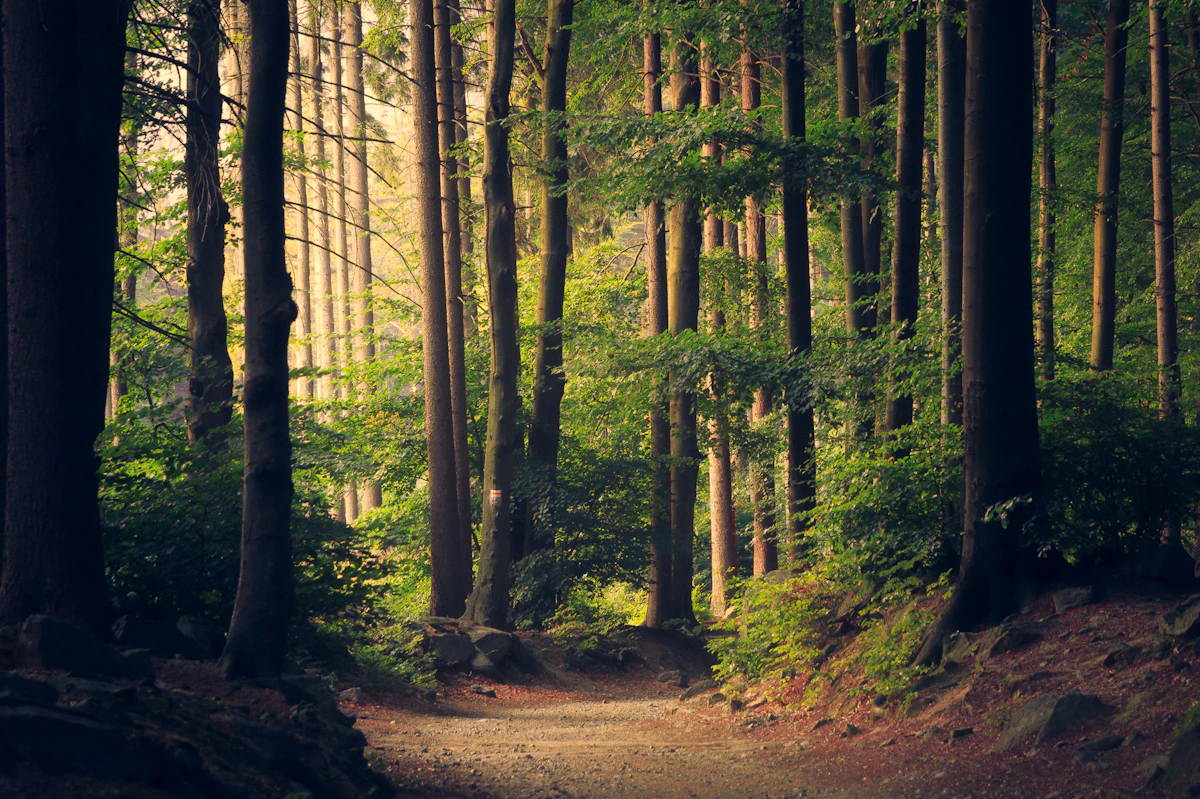
The Optimal Formula: 5-Step Layering Strategy
Achieving the perfect Ghibli look requires a systematic approach to prompt layering. Here is the 5-step strategy proven effective in tools like Midjourney and Stable Diffusion.
-
👤
Subject: Include not just the appearance but the emotional state. E.g., "A young girl with a straw hat, looking at the distant horizon with wonder."
-
🎨
Core Style: Place high-impact keywords first: "Studio Ghibli art style", "Hayao Miyazaki inspired."
-
🖌️
Texture Tech: Add "Hand-drawn illustration", "Watercolor painting texture", or "Soft edges" to correct the digital feel.
-
🌤️
Env & Lighting: Form the atmosphere with "Sun-drenched field", "Cinematic soft lighting", or "Ethereal summer mood."
-
🔍
Detail Reference: Referencing the legendary background artist Kazuo Oga will drastically improve environmental quality.
Targeted Strategies: Characters vs. Landscapes
1. Character Design: Simplicity and Expression
Ghibli characters favor clear, simple lines over excessive detail. Use keywords like "Simple facial features", "Expressive large eyes", and "Traditional Japanese animation style." Ensure the character interacts with their surroundings to prevent them from looking "pasted on" to the background.
2. Landscapes: The Secret to Immersion
In Ghibli films, the background is often the true protagonist. By analyzing original works on the Studio Ghibli Official Website (ghibli.jp), we see depth created by thousands of brushstrokes. To replicate this, combine "Lush green summer hills", "Magnificent cumulonimbus clouds", and "Nostalgic rural scenery."

Advanced Tips: Hidden Keywords Used by Experts
To elevate an average render to an artistic masterpiece, try appending these expert keywords to the end of your prompts.
'Retro 80s anime aesthetic' restores the vintage tones of early Ghibli works, while 'Volumetric lighting' creates mystical light beams in forest or indoor scenes. Additionally, the keyword 'High-quality hand-painted' is a powerful tool to force the AI toward a more organic, artisanal look.
Recommended Theme-Based Prompt Formulas
1. Refreshing Summer Rural Path
A standard prompt that perfectly captures signature blue skies and vibrant meadows.
2. Secret Forest Cottage
Generates a mystical forest scene with a focus on interior-exterior lighting harmony.
The Efficient Workflow
Step 1: Conceptualization
Start by defining the season or the core emotion you wish to convey in a single sentence.
Step 2: Tool Selection
Midjourney excels at artistic interpretation, while Stable Diffusion is better for fine-tuned control.
Frequently Asked Questions (FAQ)
Why does my result look like a 3D render?
Ensure you add '3D render', 'unreal engine', and 'photorealistic' to your Negative Prompt, and emphasize 'Flat 2D illustration' in your positive prompt.
How do I fix oversaturated colors?
Use keywords like 'Muted color palette' or 'Soft pastel tones' to tone down the AI's tendency for high-contrast digital colors.
Conclusion: Revitalizing Mastery through Technology
Prompt engineering is not merely a technical process; it is an artistic dialogue between the creator and artificial intelligence. Use these Ghibli formulas to breathe life into the nostalgic landscapes residing in your imagination. While a perfect result may not appear on the first try, the process of fine-tuning keywords to find your unique 'Ghibli filter' is a magical journey in itself.
Discover new possibilities in digital art with FreeImgFix.com.
Disclaimer: This content is provided for educational and informational purposes. Ownership and liability of generated images are subject to the terms of service of each respective AI tool. Please follow copyright guidelines when referencing official designs.