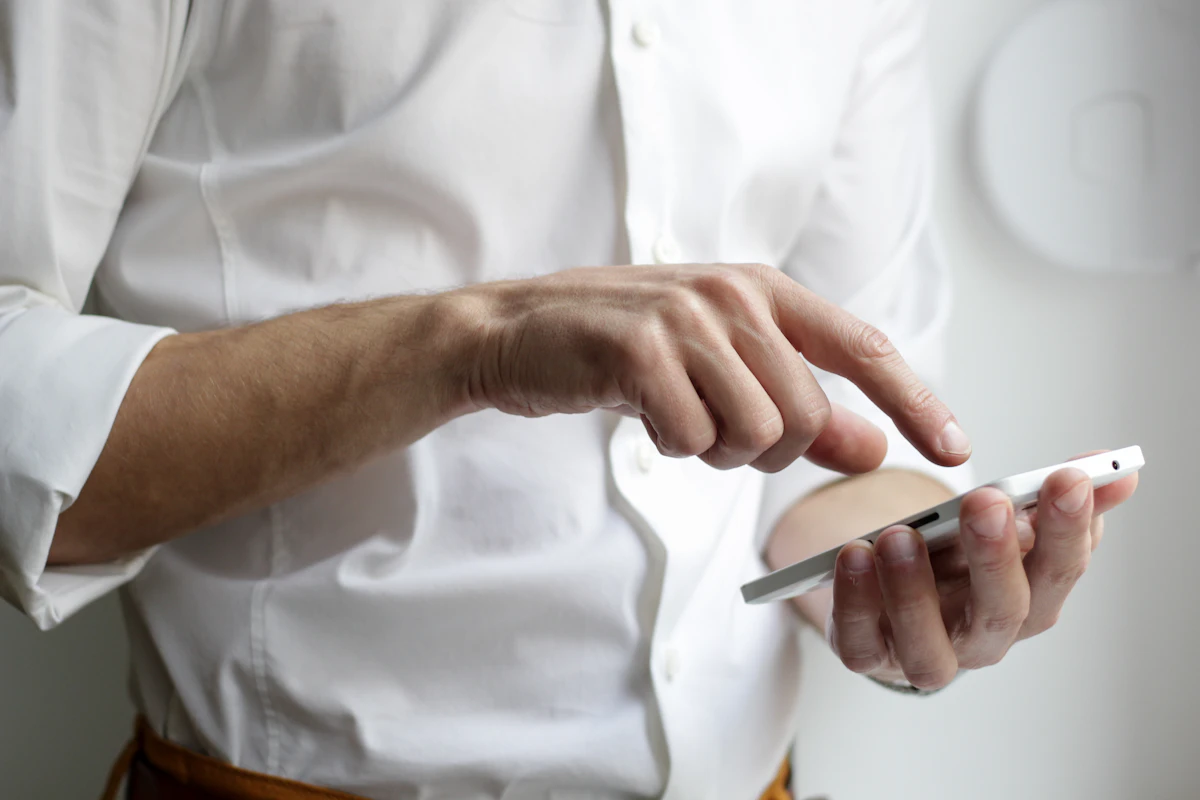
We live in an era where a smartphone solves almost everything. Following payments, transportation, and shopping, identity verification has now officially entered the digital realm. The "Mobile Driver's License" (mDL) is not just a photo of your ID stored on your phone; it is a government-issued, legally binding digital credential. The days of panic when you leave your physical wallet at home are becoming a thing of the past.
In this guide, we provide a detailed analysis of the types of mobile IDs available in the US, issuance procedures, and their legal validity at TSA checkpoints, banks, and retail locations. By the end of this article, you will understand why carrying a plastic card may soon become optional.
What is a Mobile Driver's License (mDL)?
A Mobile Driver's License (mDL) is a digital version of your physical driver's license or state ID stored securely on your smartphone. Unlike a simple digital image, a true mDL follows the ISO 18013-5 standard, which allows for secure, cryptographic verification. It is designed to be more secure, more private, and harder to forge than a physical card.
"mDL is more than a convenience; it represents the beginning of a digital platform where you directly exercise sovereignty over your personal data."
The implementation of mDLs varies by state. Currently, states like Arizona, Maryland, Colorado, Georgia, and California have launched or are piloting programs that integrate with Apple Wallet, Google Wallet, or dedicated state-issued mobile apps.
How to Issue Your Mobile ID in the US
1. Integration with Mobile Wallets (Apple & Google)
Many states are leveraging the convenience of native mobile wallets. This is often the most seamless way for residents to carry their ID.
-
A.
Verification Process: Open your Wallet app, tap the '+' icon, and select 'Driver's License or State ID.' You will be prompted to scan your physical ID and take a series of facial movements (liveness check) to prove you are the owner. The data is sent to your state's DMV for approval.
-
B.
State Approval: Once the DMV verifies the info, the mDL is cryptographically signed and stored in the phone's Secure Element. This process adheres to the AAMVA standards for cross-state interoperability.
To check if your state is supported, visit your local DMV official website or check the TSA Digital ID page for a list of participating states.

2. State-Specific DMV Mobile Apps
Some states choose to release their own standalone apps. For example, Florida Smart ID or the LA Wallet (Louisiana).
- Direct DMV Connection: These apps often provide more features, such as the ability to renew your license or update your address directly within the app.
- Offline Verification: Many of these apps allow for "proofer" modes where another person can verify your age or identity via a QR code scan without you ever handing over your phone.
Legal Validity and TSA Acceptance
The most common question is: "Can I actually use this at the airport or when pulled over by police?" The answer is evolving, but generally YES at supported locations.
1. TSA Checkpoints (Airports)
The TSA accepts mDLs at select airports across the country. You simply tap your phone at the reader; you don't even need to show your screen. It is fully REAL ID compliant for domestic air travel.
2. Law Enforcement
While some states allow mDLs for traffic stops, many police departments still require a physical card. Always carry your plastic ID when driving until your state officially mandates mDL-only stops.
3. Financial Institutions
Banks are starting to adopt digital verification. Some allow mDLs for in-branch transactions, though it depends on the individual bank's policy and regional regulations.
4. Age Verification (Bars/Retail)
mDLs allow for "Selective Disclosure." You can prove you are 21+ without showing your birthdate, address, or full name, enhancing your personal privacy.
Security Technology: Is It Safe?
Concerns about data leaks or losing a phone are common. However, the mDL is engineered with security-first principles.
First, Biometric Protection. Your mDL cannot be accessed without your face or fingerprint (FaceID/TouchID). Even if someone steals your phone, they cannot access your identity credentials.
Second, Encryption and Secure Element. The data is stored in a hardened part of the phone's hardware that is isolated from the rest of the operating system, making it virtually immune to traditional malware.
Third, Remote Wiping. If you lose your phone, you can use services like "Find My iPhone" or "Find My Device" to remotely wipe the device, including all digital ID credentials.

Usage Tips and Important Reminders
To use your Mobile Driver's License effectively, keep the following tips in mind:
-
📱
Don't Hand Over Your Phone: In a proper mDL transaction, you never need to hand your phone to a clerk. They should have a reader or use a QR scan. Keep your device in your hand.
-
⏳
Keep Your Physical ID: For now, the physical card is still the primary legal document. Keep it in your car or bag as a backup for non-participating businesses or law enforcement.
-
🔒
Privacy First: Use the selective disclosure feature whenever possible. There's no reason a liquor store clerk needs to know your home address.
-
🔋
Battery Management: If your phone dies, your ID dies. Ensure your phone is charged before heading to the airport or any situation requiring identification.
Frequently Asked Questions (FAQ)
Q1. Is the mDL compliant with the REAL ID Act?
Yes, the mDLs issued by participating states are designed to meet the security requirements of the REAL ID Act. However, TSA currently accepts them only at specific airports while the rollout continues nationwide.
Q2. What happens if I get a new phone?
Because identity data is tied to the hardware's secure element, you usually cannot just "restore" it from a cloud backup for security reasons. You will need to re-verify your identity through your state's DMV app on the new device.
Q3. Can I use my mDL for international travel?
No. Digital IDs are currently for domestic use within the US. For international flights, a physical Passport is still the only accepted form of identification.
Conclusion: The Future of Digital Identity
The Mobile Driver's License is more than a convenience; it's a foundational piece of a trust-based digital society. By eliminating physical friction and enhancing privacy, mDLs pave the way for a world where your identity is secure, verifiable, and entirely under your control.
If your state supports it, we highly recommend setting up your mDL today. Embracing this technology is the first step toward a more streamlined and secure digital lifestyle. The future of identity is here, and it’s right in the palm of your hand.
Enjoy a safe and convenient digital life with FreeImgFix.com!