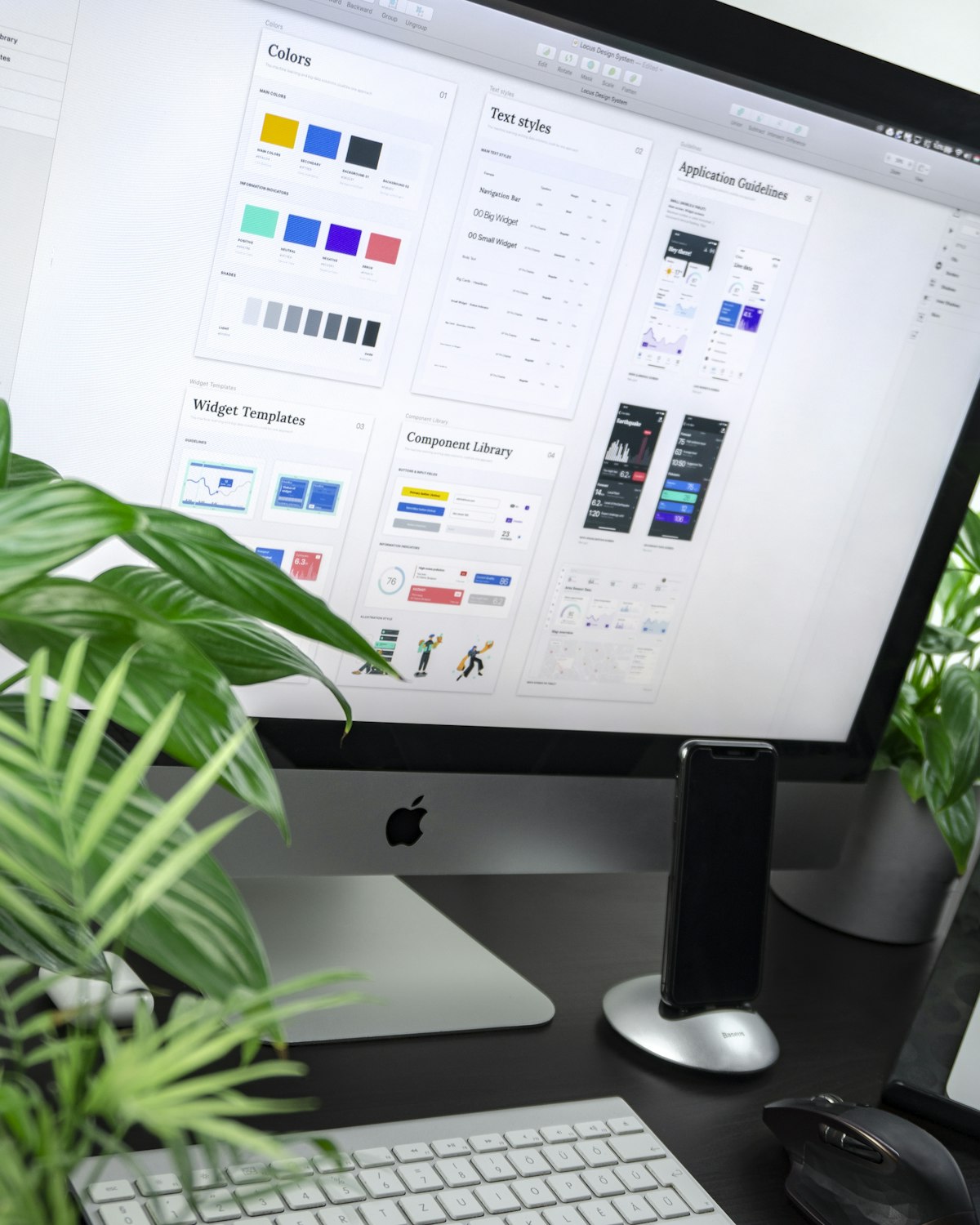
Every designer has experienced that moment when a flat design they’ve worked hard on feels a bit empty or lacks persuasion when presented to a client. This is exactly where a Mockup comes in. A mockup is a process of simulating a design by applying it to actual products or environments, serving as a tool that delivers an 'experience' rather than just a simple image.
What is a Mockup? Why is it Essential in Design?
A mockup refers to a model or replica of a design, created to look exactly like the real physical product. It is used across all design fields, from UI design for websites and mobile apps to logos, business cards, packaging, and outdoor advertising. The perfection of a design is determined by its details. Only when a design confined to a flat surface takes on a three-dimensional form can the public and clients intuitively understand its true value.
The primary reasons for using mockups are Realism and Trust. Clients often find it difficult to imagine how a design will look when actually printed or running on a smartphone. Mockups fill this gap in imagination, shortening decision-making time and justifying the value of the design.
"Design is valued by how it is presented. A mockup is the magic that transforms your work from a common drawing into a valuable product."
Top 7 High-Quality Free Mockup Sites You Must Know
Time spent searching for design resources is a cost in itself. We have analyzed the most widely used and quality-proven sites in the industry.
1. Mockup World: The Encyclopedia of Mockups
Mockup World is a massive directory site that gathers free mockup resources scattered across the globe. Since it focuses on curation rather than direct hosting, it boasts an incredibly vast collection of data.
A key feature is its intuitive category classification. You can find almost any type of mockup, from IT devices like iPhones and MacBooks to books, packaging, and banners. While it links to external sources for downloads, it only provides verified sources, so you can use them with confidence.
Go to Mockup World Official Site
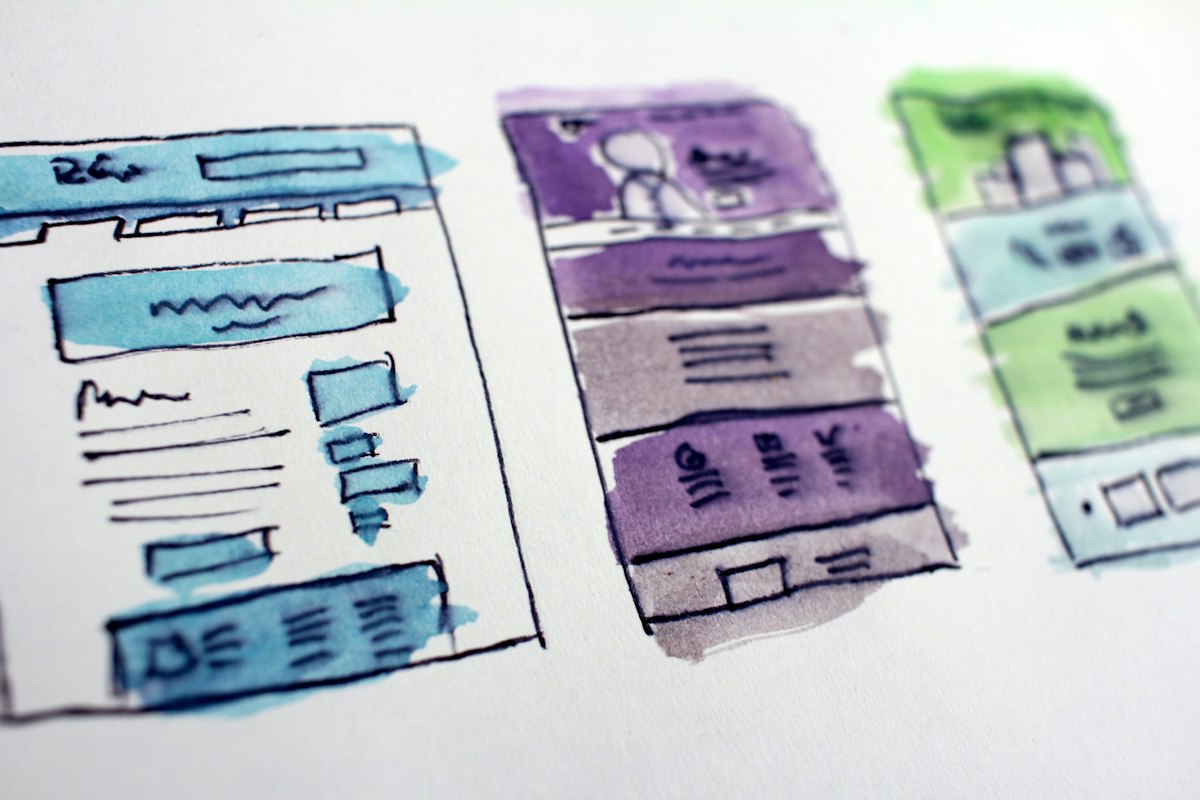
2. Unblast: The Pinnacle of Trendy Sensibility
If you want mockups with a trendy and modern feel, Unblast is your best choice. This site focuses on quality over quantity. Every mockup uploaded has sophisticated color palettes and compositions, instantly elevating the atmosphere of your portfolio.
It’s also a great place for integrated design resources as they offer fonts, icons, and templates. For mobile UI mockups, they are remarkably fast at updating for the latest device models.
3. Graphic Burger: A Treasure Trove of High-Quality PSDs
Graphic Burger offers classic yet highly finished PSD resources. The mockups here feature very realistic shadow treatments and textures, leaving almost no sense of artificiality when applying print or logo designs.
The layer organization is extremely clean, allowing even beginners to easily swap designs using the Smart Object feature. Their logo mockups with vintage styles or premium leather and metal textures are particularly outstanding.
Go to Graphic Burger Official Site
4. LS Graphics: Minimalism and Abstract Mockups
LS Graphics boasts premium-tier quality even for its free resources. The highlight here is the abundance of abstract and minimalist background mockups that make the design itself stand out, rather than just product-focused real-life mockups.
For iPhone or Android device mockups, they provide unique styles like Clay versions or transparent versions, which are very useful when you want to emphasize the sophistication of a web service.
Go to LS Graphics Official Site
5. Pixeden: The Powerhouse of Precise Package Design
If you primarily work on package or print design, you must check Pixeden. It is rich with sophisticated 3D-shaped package mockups for bottles, boxes, envelopes, and more. They have a dedicated free section with plenty of materials to achieve great results without a paid subscription.
6. Anthony Boyd Graphics: Realistic and Artistic Direction
Operated by an individual named Anthony Boyd, this site shows the pinnacle of realism. Large monitor mockups and frame mockups naturally integrated with interior decor are the main focus. The lighting and composition are so artistic that you can create a great main image without any extra editing.
Go to Anthony Boyd Graphics Official Site
7. Mockups Design: Simple and Straightforward Composition
Mockups Design is a user-friendly site where you can find and download mockups immediately without complex ads or unnecessary steps. Standardized print mockups like book designs and business card designs are systematically organized, offering the best efficiency when quick work is needed.
Go to Mockups Design Official Site
Technical Tips for Effectively Using Mockups
Simply downloading a mockup file is not enough. How you utilize it can make a massive difference in the final quality of your design.
-
🧩
Use Smart Objects: Most high-performance mockups include a layer named something like 'Your Design Here'. Double-click this layer, paste your design, and save (Ctrl+S) to automatically apply perspective and shadows.
-
🌓
Adjust Light and Shadows: Try adjusting the opacity of 'Highlights' or 'Shadows' layers. Softening shadows or strengthening highlights to match your design's color palette can make the result look much more natural.
-
🎨
Match Background Colors: If the mockup has a solid background, using your design's key color as the background can create a cohesive branding effect. Alternatively, use complementary colors to make the design pop.
-
🔍
Add Detailed Textures: For mockups with paper or fabric textures, adding a light Grain effect on top of your design can create an illusion realistic enough to look like it was actually printed.
Mockup Selection Strategy for Different Scenarios
Which mockup you choose determines the message of your design. Consider the following criteria for your selection.
Aligning with Brand Personality
For premium luxury brands, mockups with dark backgrounds and strong lighting work best. For eco-friendly or natural brands, choose mockups with bright interiors featuring natural light and plants. For tech services, clean clay mockups or minimalist device mockups on white backgrounds effectively convey the essence of the service.
Considering Visual Flow
While placing the design in the center is good, using Isometric angles or side views can maximize the sense of depth and add visual interest. For website main banners, it is strategic to choose mockups with enough Negative Space to accommodate text.
Precautions: Copyright and File Size
Even for free mockups, you must check the License regulations. Verify if commercial use is allowed or if attribution is required. Most sites allow personal/commercial use, but strictly prohibit reselling the files or re-uploading them to other sites.
Also, high-resolution PSD files can reach hundreds of MBs. When uploading the final result to the web or submitting a portfolio, you should flatten the layers and convert the file into an appropriately resolved JPG or WebP for optimization.
Closing: Mockups are the Final Piece of the Puzzle
Just as great food is truly realized when served on a beautiful plate, great design is perfected when it meets the right mockup. Bookmark the sites introduced above and try dressing your work in the best possible way. Small differences in detail will set you apart from a common worker as a professional designer.
From job seekers looking to enhance their portfolio to professional designers wanting to make better proposals to clients, free mockup resources will be your strongest ally in turning creativity into reality.
Bring life to your designs with FreeImgFix.com!